Everything your business needs, in one POS.
Manage branches, purchases, inventory, sales, suppliers, customers, payments, analytics, and daily operations with a fast and efficient point-of-sale system.
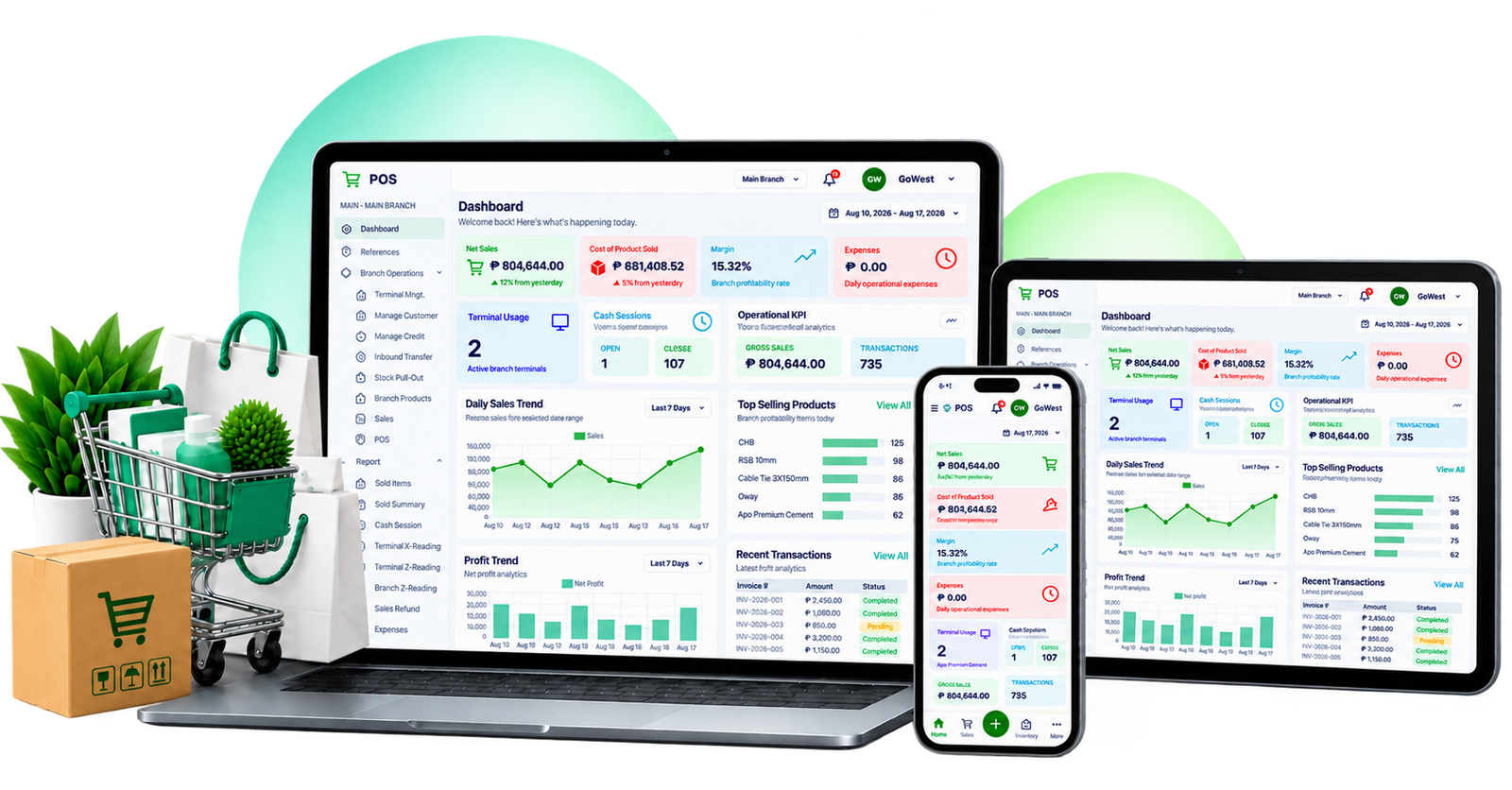
Everything you need to run your store
Everything included
Every part of your store, in one app
Manage your branches, purchases, products, sales, customers, inventory, payments, and business performance from one efficient system.
Branches
Manage multiple branches from one centralized POS system.
- • Manage multiple business branches
- • Maintain branch-specific inventory and transactions
- • Monitor sales and performance by branch
- • Control branch access and user assignments
- • Centralized visibility across your business
Purchases
Manage supplier purchases and incoming stock with ease.
- • Create and manage purchase transactions
- • Record products, quantities, costs, and suppliers
- • Automatically update stock after posted purchases
- • Track purchase history and supplier transactions
- • Monitor purchase costs and inventory movement
Inventory
Keep your stock accurate and organized.
- • Track available stock in real time
- • Manage categories and product pricing
- • Low-stock monitoring
- • Product search and filtering
- • Preserve product sales history
Sales
Record transactions quickly and accurately.
- • Fast transaction processing
- • Product search and barcode workflow
- • Multiple payment methods
- • Automatic stock deduction
- • Complete transaction history
Customers
Keep customer information organized.
- • Customer profiles
- • Customer transaction history
- • Track outstanding balances
- • Record customer payments
Dashboard & Analytics
Understand what's happening in your business.
- • Daily sales overview
- • Sales trends
- • Top-selling products
- • Low-stock alerts
How it works
Simple from day one
Get your business running without unnecessary complexity.
Set up your store
Add your products, categories, suppliers, customers, and business information.
Start selling
Search products, scan barcodes, process payments, and complete transactions quickly.
Monitor your business
Review sales, inventory, customers, and reports from your dashboard.
Plans
Choose what fits your business
Start simple and grow as your business grows.
Starter
Small Business
Everything you need to start managing your daily sales and inventory.
₱10,000
setup
+ ₱800 / month
- ✓ Unlimited devices
- ✓ 1 terminal
- ✓ 1 branch
- ✓ Basic POS
- ✓ Daily reports
- ✓ Cloud backup
- ✓ Updates & support
Business
Growing Business
More control for growing businesses with multiple cashiers and inventory needs.
₱15,000
setup
+ ₱1,500 / month
- ✓ Unlimited devices
- ✓ 2 terminals
- ✓ 1 branch
- ✓ Credit sales
- ✓ Inventory tracking
- ✓ Sales reports
- ✓ User roles
- ✓ Cloud backup
- ✓ Updates & support
Pro
Scaling Business
Advanced tools for larger operations and businesses with multiple branches.
₱25,000
setup
+ ₱2,500 / month
- ✓ Unlimited devices
- ✓ 4 terminals
- ✓ 2 branches
- ✓ Advanced reports
- ✓ Terminal control system
- ✓ Supervisor tools
- ✓ Audit logs
- ✓ Cloud backup
- ✓ Priority updates & support
Enterprise
Custom Solution
Flexible solutions for large organizations and multi-location operations.
Custom
setup pricing
Custom monthly plan
- ✓ Unlimited devices
- ✓ Unlimited terminals
- ✓ Unlimited branches
- ✓ Priority support
- ✓ Custom features
- ✓ Advanced operational controls
- ✓ Dedicated support
Add-ons
Add more as your business grows
Extra Terminal
₱300–₱500/month
Extra Branch
₱500/month
On-site Support
₱1,500 / visit
Staff Training
₱2,000
Custom Report
₱3,000+
Solutions
Connect your business tools
Keep your business workflow simple while connecting the tools you already use.
Flexible payment workflows
Keep stock synchronized
Understand your numbers
Manage everything centrally
Installation
Add GoWest POS to your device
GoWest POS works directly from your browser and can be installed like an app on supported devices.
Install GoWest POS
Open your browser menu and choose the install option when available.
iPhone / iPad
Open the Share menu and choose “Add to Home Screen”.
Android
Open the browser menu and choose “Install app”.
Desktop
Use the install icon in Chrome or Edge.
Ready to simplify your business?
Start using GoWest POS and manage your sales, inventory, customers, and business operations in one place.